
Download Circle Dock – Free Open-Source Program Launcher for Windows
Overview
Circle Dock is a free and open-source application designed to replace the traditional Windows start menu with a modern, circular interface. Its primary purpose is to enhance program access by offering a visually engaging and customizable alternative to standard desktop navigation. The app targets users who value both functionality and aesthetics, particularly those seeking a unique desktop experience beyond conventional layouts. By organizing applications in a dynamic circular menu, Circle Dock streamlines access to frequently used tools, improving workflow efficiency.
It serves as a utility for individuals who want to personalize their Windows environment without relying on third-party launchers with restrictive licensing. The app’s open-source nature allows developers and advanced users to inspect, modify, and contribute to its codebase, fostering transparency and community collaboration. Real-world use cases include professionals managing multiple software tools, students organizing study apps, and hobbyists exploring creative desktop designs. In the broader app ecosystem, Circle Dock fills a niche for lightweight, customizable program launchers that prioritize user control and visual innovation.
The developer did not provide additional technical details about the project’s origin or team structure. However, the app’s long-standing presence since its release on August 12, 2008, indicates a dedicated user base and sustained community interest. Despite not being a mobile application, its relevance in desktop productivity tools remains notable for users seeking a fresh approach to application management.
Key Features & Functionality
- Circular Menu Layout: Circle Dock replaces the standard start menu with a radial interface that displays applications in a circular pattern. This layout allows users to navigate programs with intuitive gestures, reducing the need to scroll through linear lists. The design enhances visual clarity and enables faster selection, especially when managing a large number of applications.
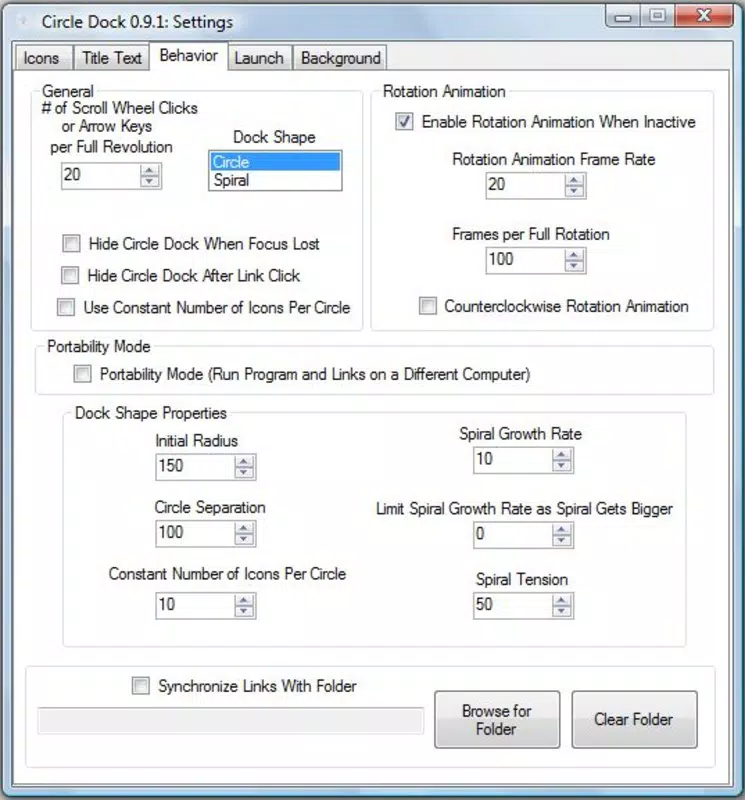
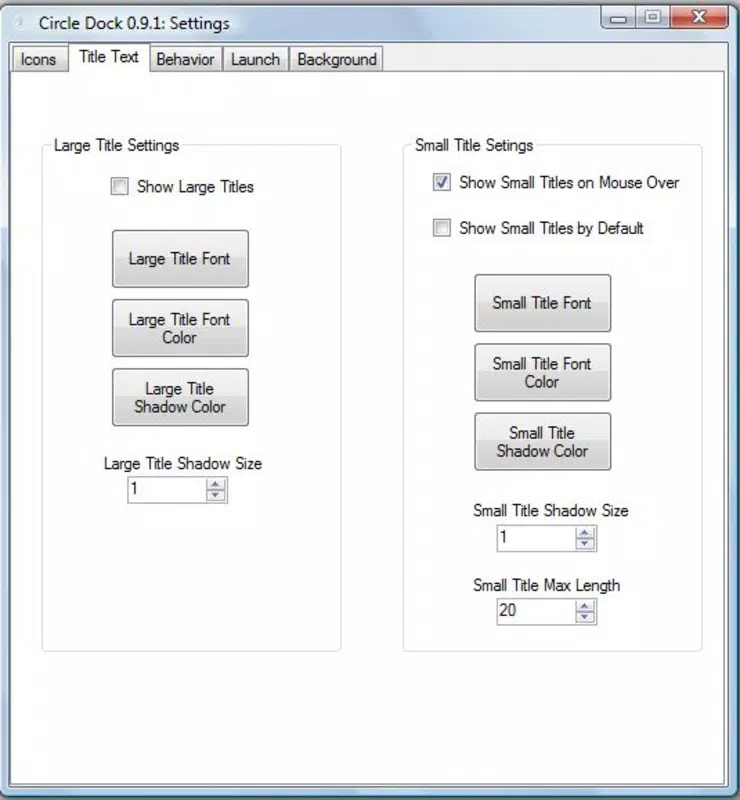
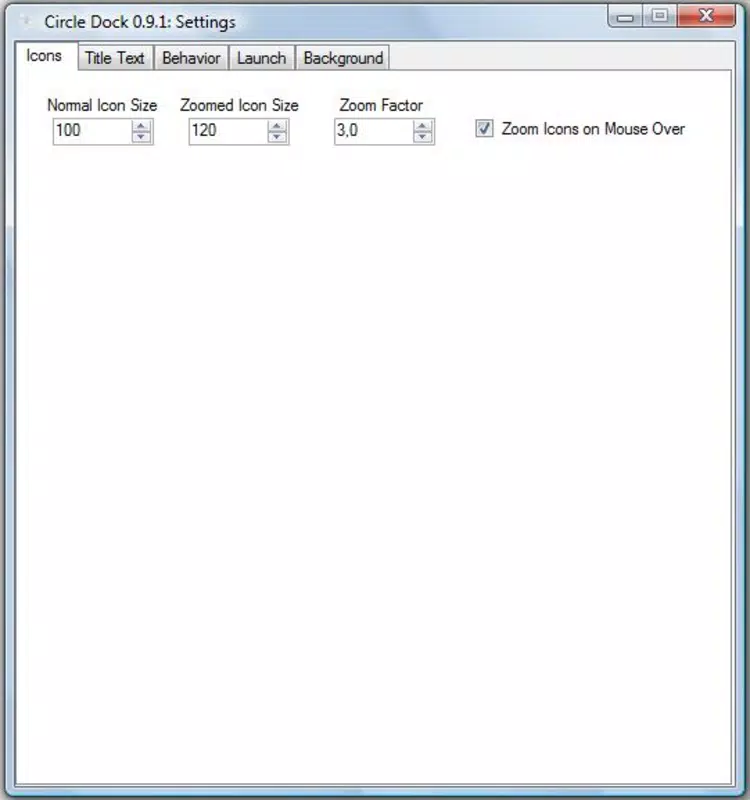
- Customizable Icons: Users can modify icons in size, color, and style to match their desktop theme. This feature supports personal branding and aesthetic consistency across devices. Customization extends to icon placement, enabling users to group related applications or prioritize frequently used tools.
- Easy Program Management: Adding or removing applications from the dock is straightforward, requiring minimal steps. This functionality reduces the friction of maintaining a dynamic software library, making it ideal for users who frequently switch between tools or update their workflow.
- Dynamic Animations: The app includes smooth transitions and visual effects when interacting with the circular menu. These animations enhance the user experience by providing feedback during selection and navigation, contributing to a more engaging desktop environment.
- Open Source Access: As a free and open-source tool, Circle Dock allows users to download, inspect, and modify the source code. This promotes trust, security, and innovation, enabling developers to adapt the app to specific needs or contribute improvements to the community.
For example, a graphic designer might use Circle Dock to group creative tools like Photoshop, Illustrator, and After Effects in a single radial layout, reducing launch time and minimizing clutter. Similarly, a student could organize study apps, web browsers, and note-taking tools in a visually distinct arrangement for better focus and access.
Interface, UX & Performance
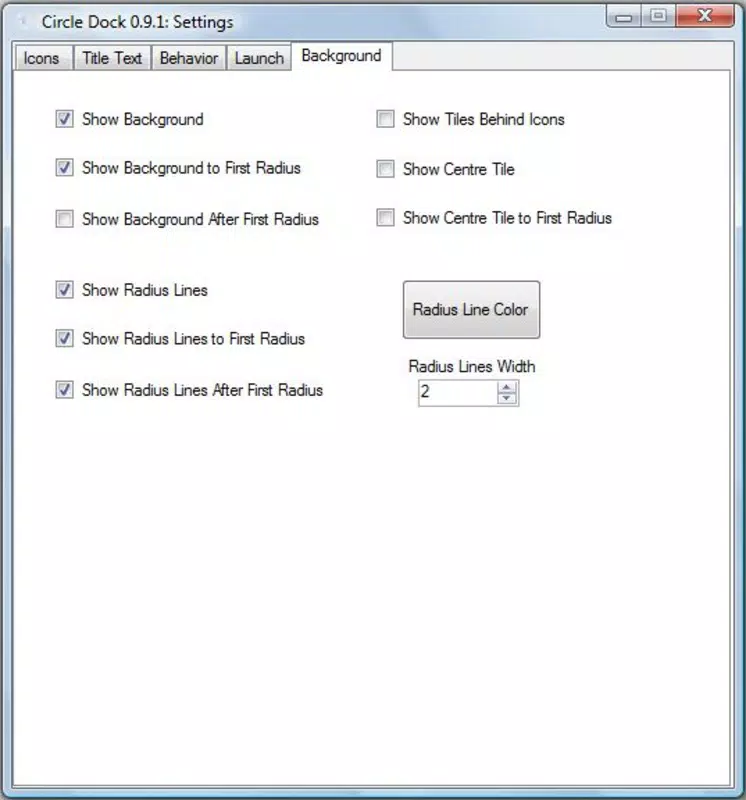
Circle Dock features a clean, minimal interface centered around a circular menu that appears on the desktop. The visual style emphasizes simplicity and modernity, with smooth gradients and selectable themes. Navigation is achieved through mouse movement or keyboard shortcuts, allowing users to select applications with a single click. The layout adapts to screen resolution, ensuring consistent visibility across different display sizes.
Although the developer did not list formal performance metrics, the app is designed to run efficiently with low system resource consumption. It operates in the background without significantly impacting CPU or memory usage, making it suitable for older or mid-range machines. Responsiveness is maintained through optimized rendering of animations and menu transitions, ensuring that interactions feel immediate and fluid.
Stability appears to be a consistent trait, supported by the app’s long-term availability since 2008. However, compatibility with newer Windows versions may require user testing, as the developer did not specify minimum OS requirements. Overall, the user experience prioritizes ease of use, visual appeal, and functional efficiency.
Platform Compatibility & Technical Requirements
Circle Dock is designed for Windows operating systems. The app’s file size is not specified in the provided information, nor are the minimum OS requirements or software version details. The developer did not disclose the exact platform version compatibility or any hardware prerequisites.
Users should verify whether the app supports their current Windows version, particularly if using a newer release such as Windows 11. The absence of formal technical specifications means that installation and operation may vary across devices. It is recommended to consult community forums or the official repository for updated compatibility notes.
Pros and Cons
Pros
- Free and open-source software with full access to source code
- Unique circular layout improves visual navigation and organization
- Highly customizable icons and interface elements
- Lightweight and efficient performance on older systems
- Simple program management with drag-and-drop functionality
Cons
- Developer did not provide detailed system requirements or compatibility information
- Long release date suggests possible outdated design elements
- No official updates or active development status disclosed
- Limited documentation or user support channels available
- Not available for mobile platforms such as Android or iOS
FAQ
Is Circle Dock safe to download and install?
Yes, Circle Dock is a free and open-source application. As the source code is publicly available, users can verify its integrity and ensure it contains no malicious components. However, it is recommended to download the app only from trusted sources.
Can I modify Circle Dock’s code?
Yes, because Circle Dock is open-source, users are free to download, inspect, and modify the source code according to their needs. This promotes transparency and allows for custom adaptations.
Does Circle Dock work on Windows 11?
The developer did not specify compatibility with Windows 11. While the app may function on newer systems, users should test it on their device to confirm proper operation.
Is there a mobile version of Circle Dock?
No, Circle Dock is designed exclusively for Windows desktops. There is no official Android or iOS version available.
How often is Circle Dock updated?
The release date of the app is listed as August 12, 2008. The developer did not provide information on current update frequency or development activity.
Final Thoughts + CTA
Circle Dock stands out as a distinctive, community-driven alternative to the standard Windows start menu. Its circular interface, customizable design, and open-source foundation offer a refreshing take on desktop productivity. While the app’s age raises questions about modern compatibility and ongoing support, its core functionality remains relevant for users who value personalization and efficiency.
It is particularly beneficial for power users, developers, and creative professionals seeking a lightweight, visually engaging way to manage their applications. The ability to modify and extend the tool adds long-term value, especially for technically inclined users.
For those looking to modernize their desktop experience with a free, customizable launcher, Circle Dock presents a compelling option. Download Circle Dock now.


